
WhatsApp Business API
Integrate the official Meta WhatsApp Business API for professional customer support.
Overview
WhatsApp Business API is Meta's official solution for companies that need support at scale. It is recommended for operations with high message volume.
Requirements
Before you begin, you need:
- [x] Verified Meta Business account
- [x] Dedicated phone number (cannot be in use on regular WhatsApp)
- [x] Company document (Business registration or equivalent)
Advantages
| Feature | Description |
|---|---|
| Official | Meta-approved integration |
| Stable | High availability |
| Templates | Proactive messages for customers who haven't started a conversation |
| Payments | WhatsApp payments integration |
| Multi-agent | Multiple simultaneous agents |
Configuration
Step 1: Create Account on Meta Business Suite
- Go to business.facebook.com
- Create a Meta Business account
- Complete business verification
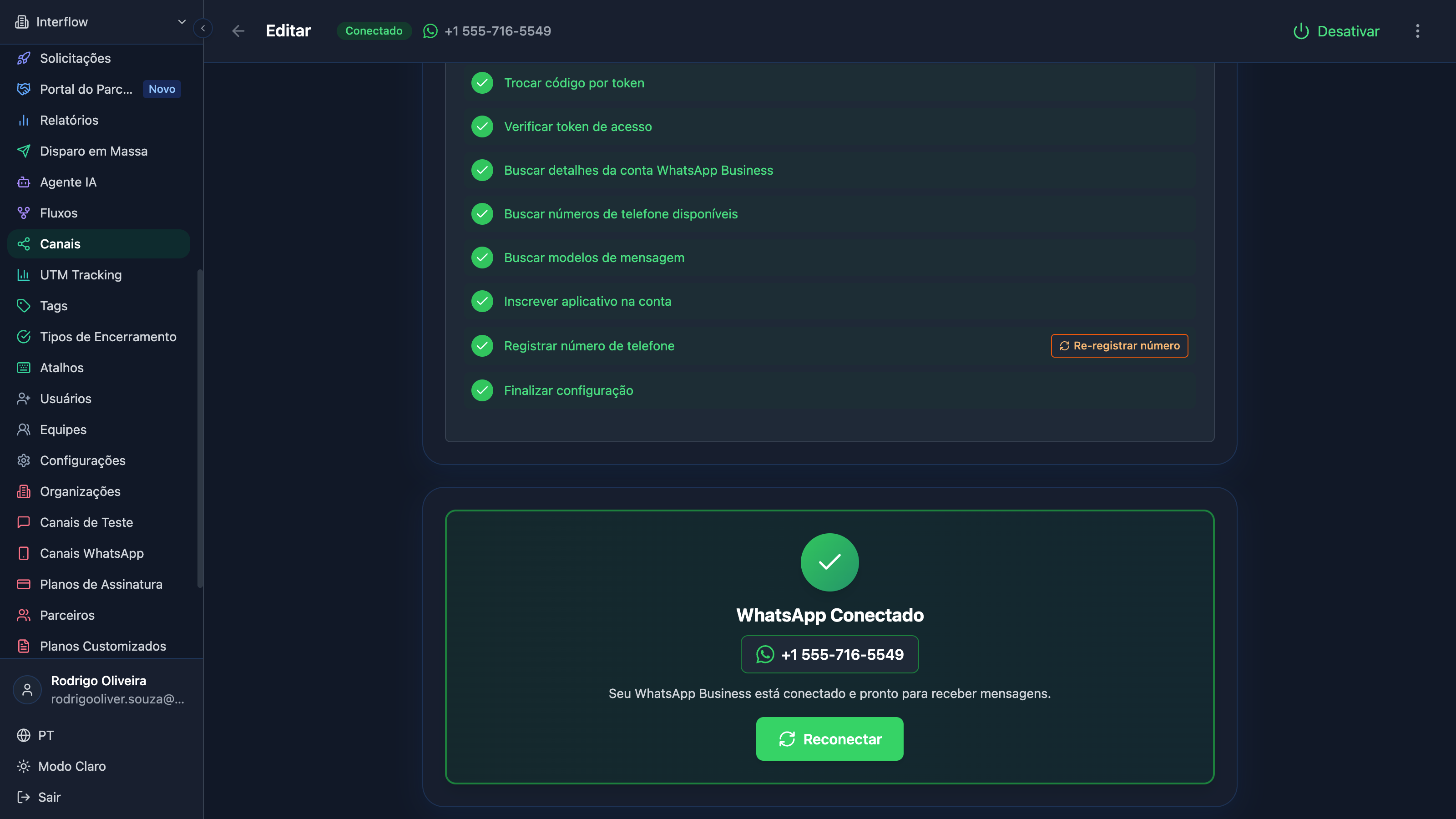
Step 2: Configure WhatsApp Business
- In Meta Business Suite, go to Accounts → WhatsApp Accounts
- Add a new WhatsApp Business account
- Register your phone number
- Complete verification
Step 3: Connect on Interflow
- In the left sidebar, click on Channels
- Click on "Add channel"
- Select the type Official WhatsApp
- Follow the authentication flow
- Select the number you want to connect
Video: Configuring WhatsApp Business API (coming soon)
Message Templates
To start conversations with customers who haven't messaged you in the last 24 hours, you need to use approved templates.
Accessing Templates
Templates are available within the channel editing. To access them:
- In the left sidebar, click on Channels
- Click on the WhatsApp channel you want to edit
- In the page header, click on Templates
Creating a Template
- In the Templates tab of the channel
- Click on "New template"
- Fill in the fields:
- Template name
- Category (Marketing, Utility, Authentication)
- Language
- Message content
- Submit for approval
Template Example
Hello {{1}},

Your order #{{2}} has been confirmed and will be shipped soon.

Track it at: {{3}}

Thank you for shopping with us!Variables:
1= Customer name2= Order number3= Tracking link
Approval Status
| Status | Meaning |
|---|---|
| 🟡 Pending | Under review by Meta |
| 🟢 Approved | Ready to use |
| 🔴 Rejected | Needs adjustments |
TIP
Templates are approved faster when they follow Meta's policies. Avoid excessive promotional language.
24-Hour Window
WhatsApp Business API has a service window rule:
- Within 24h: You can send any message
- Outside 24h: Only approved templates
Customer sends message → 24h window opens → Free conversation
                                          ↓
                              24h pass without response
                                          ↓
Window closes → Templates onlyCosts
WhatsApp Business API has per-conversation costs. Check the updated pricing table at developers.facebook.com/docs/whatsapp/pricing.
Troubleshooting
Number won't connect
- Check if the number is not on another WhatsApp
- Confirm that business verification is complete
- Wait up to 24h after the request
Rejected templates
Common reasons:
- Excessive promotional content
- Lack of clarity in purpose
- Use of prohibited language
Messages not delivering
- Check if the recipient's number is correct
- Confirm that the customer has active WhatsApp
- Check if you're respecting the 24h window
- If the error is 130472 (User's phone number is part of an experiment) or 131049 (This message was not delivered to maintain healthy ecosystem engagement), see WhatsApp Business Errors
Errors
For codes and messages returned by Meta (including 130472 and 131049), see the dedicated page: