
Support Channels
Configure and manage your communication channels in Interflow.
Overview
Interflow supports multiple communication channels, allowing you to centralize all customer support in a single platform.
Available Channels
📱 WhatsApp
| Integration | Description | Recommended for |
|---|---|---|
| WhatsApp Business API | Official Meta integration | High volume companies |
| WhatsApp WAHA | Via QR Code session | Small businesses |
📷 Instagram
| Integration | Description |
|---|---|
| Instagram Direct | Instagram direct messages |
💬 Facebook
| Integration | Description |
|---|---|
| Facebook Messenger | Facebook page messages |
📧 Email
| Integration | Description |
|---|---|
| Email IMAP/SMTP | Email server integration |
Channel Comparison
| Feature | WhatsApp API | WhatsApp WAHA | |||
|---|---|---|---|---|---|
| Text messages | ✅ | ✅ | ✅ | ✅ | ✅ |
| Images | ✅ | ✅ | ✅ | ✅ | ✅ |
| Videos | ✅ | ✅ | ✅ | ✅ | ✅ |
| Audio | ✅ | ✅ | ❌ | ✅ | ❌ |
| Documents | ✅ | ✅ | ❌ | ✅ | ✅ |
| Location | ✅ | ✅ | ❌ | ❌ | ❌ |
| Templates | ✅ | ❌ | ❌ | ❌ | ❌ |
| Groups | ❌ | ✅ | ❌ | ❌ | ❌ |
Adding a Channel
General Step by Step
- In the left sidebar, click on Channels
- Click on "Add channel"
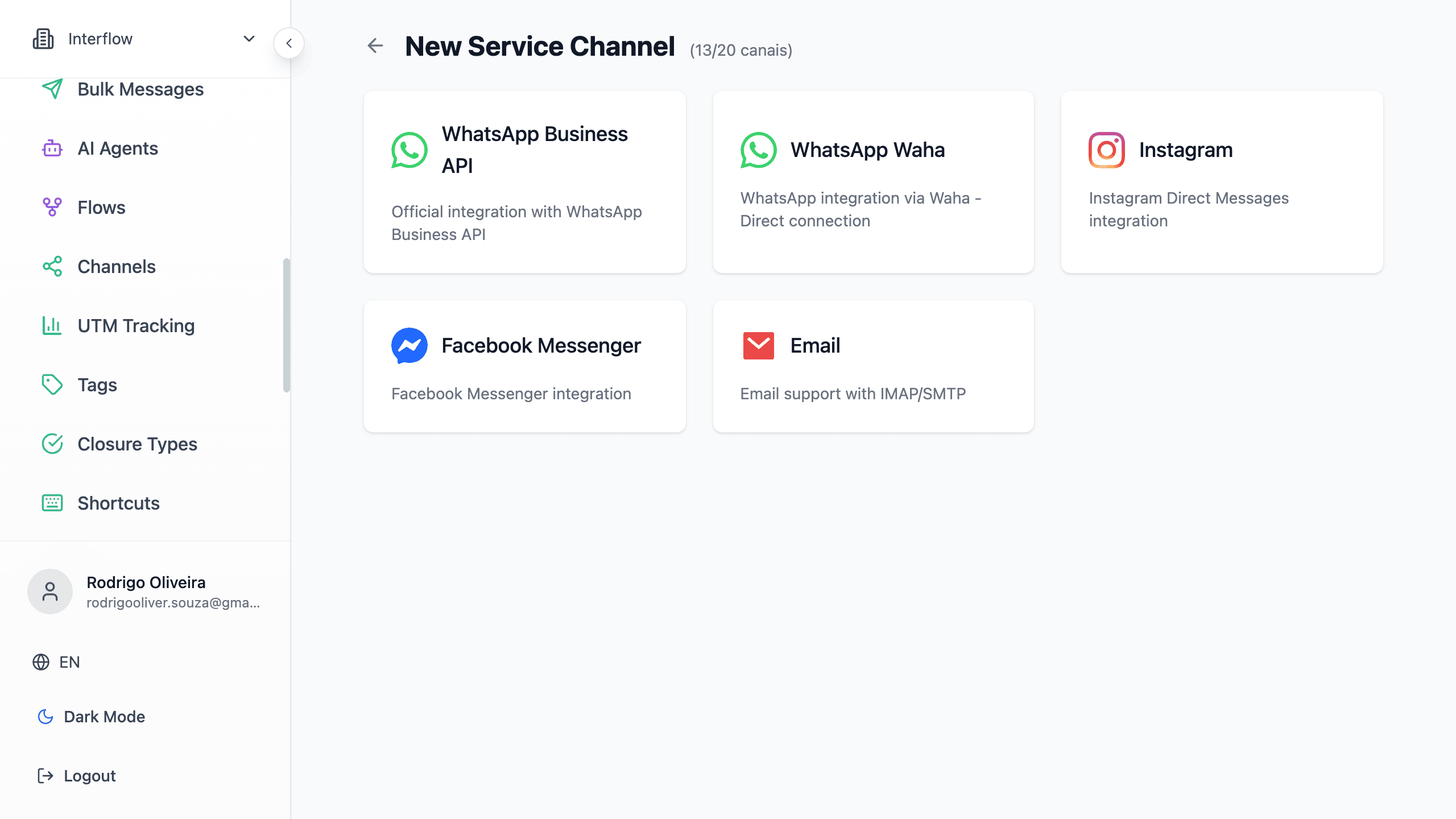
- Select the desired channel type
- Follow the specific instructions for each type
- Test the connection
Channel Status
Each channel has status indicators:
| Status | Meaning |
|---|---|
| 🟢 Connected | Channel working normally |
| 🟡 Reconnecting | Trying to reestablish connection |
| 🔴 Disconnected | Channel offline, needs action |
Next Steps
Choose the channel you want to configure: